Practice mode
Answer by voice. Your words appear as you speak, so you can see where you trailed off.
You bring the job and your background. It prepares the panel, runs the interview, and then hands you the seat.
40 seconds · With sound and English captions
What you’ll see: Dana asks about a billing rollback. Iona says they started with 5% of billing traffic and rolled back when checkout errors passed 1%. The app links those two claims to materials and marks the suggestion to watch for duplicate charges as inferred. Sam follows up on that suggestion. In Replay, Iona suggests checking for repeated charge attempts with the same payment ID and verifying the alert against the billing log.
Paste a link from LinkedIn or many other job boards, or paste the description.
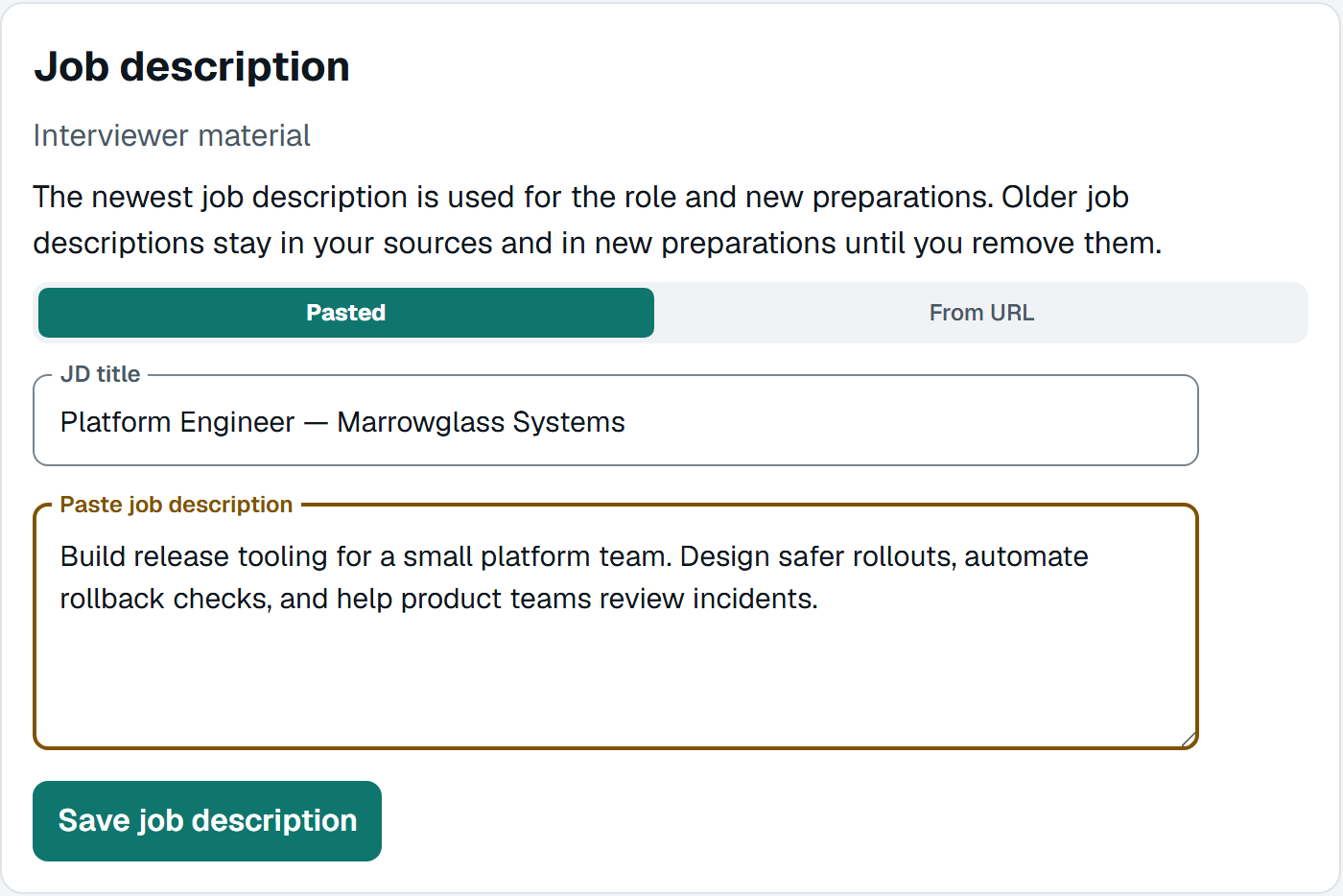
Upload your resume and notes, or reuse a saved profile. The panel reads them and prepares questions for this role.
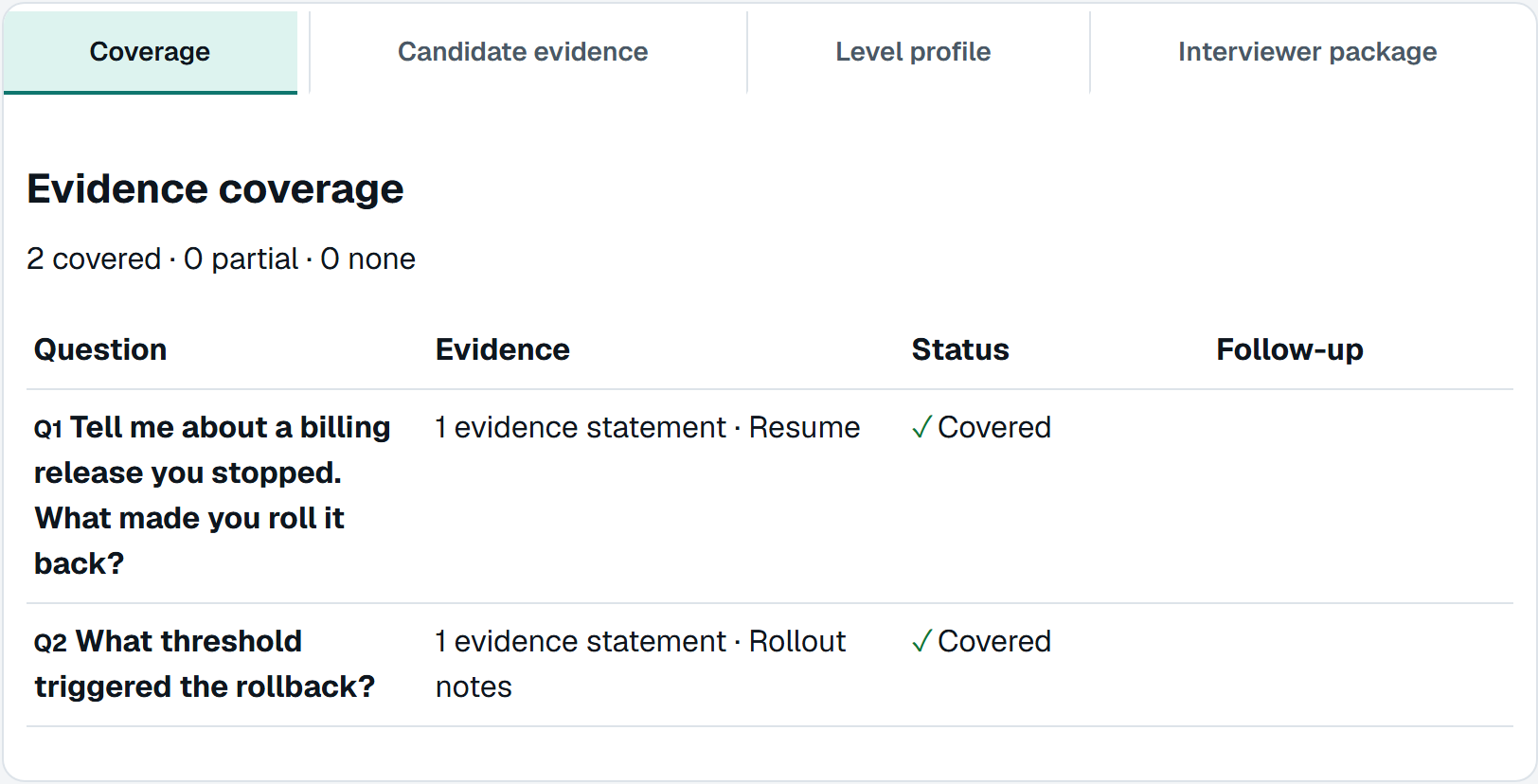
Watch the whole interview with a candidate answering as you. Then take the seat yourself, by voice or in a live conversation.
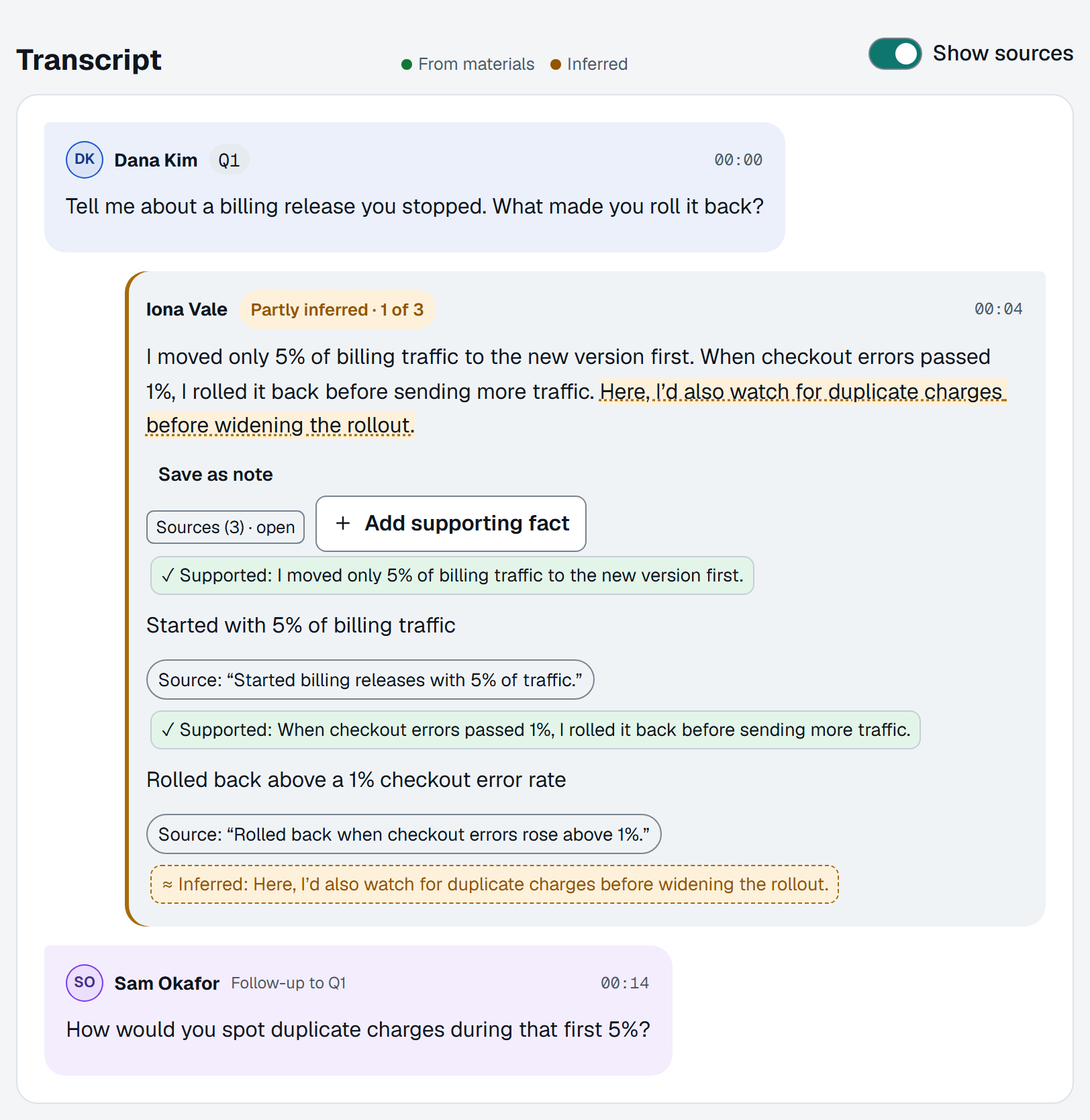
Answer by voice. Your words appear as you speak, so you can see where you trailed off.
A real-time spoken conversation. Cut in by talking over the interviewer on headphones, or tap Interrupt on speakers.
Every session keeps its audio, transcript and claims review. Jump to any answer.
Early access isn't open yet. Leave your email and we'll tell you when it is.
Join the waitlist